How to Change a User’s Name
1. Open the Users section in the dashboard 0:00
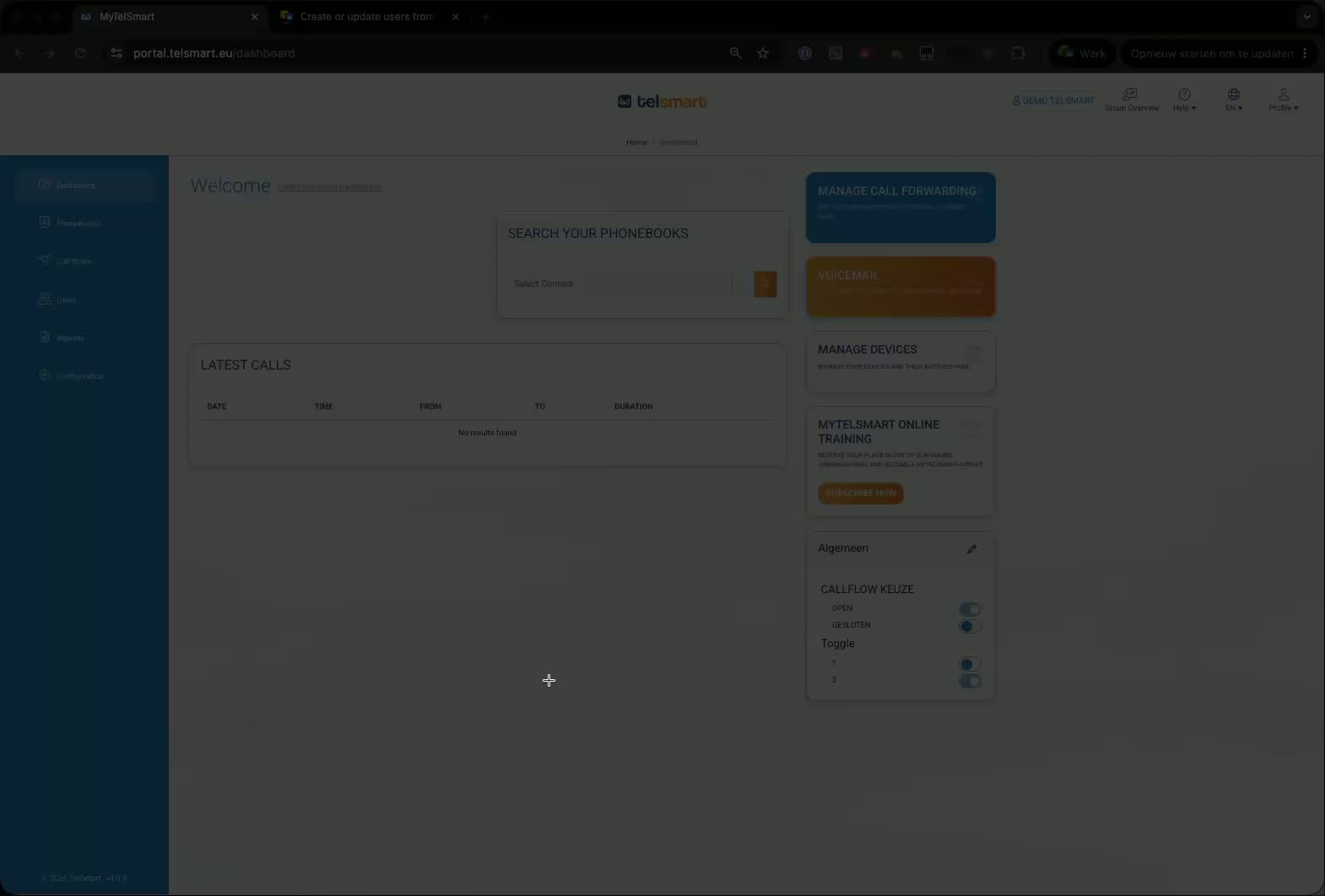
Go to the dashboard.
Click Users to view the list of users in your company.
This is where you can manage user details, including names.
2. Edit the user’s name 0:00
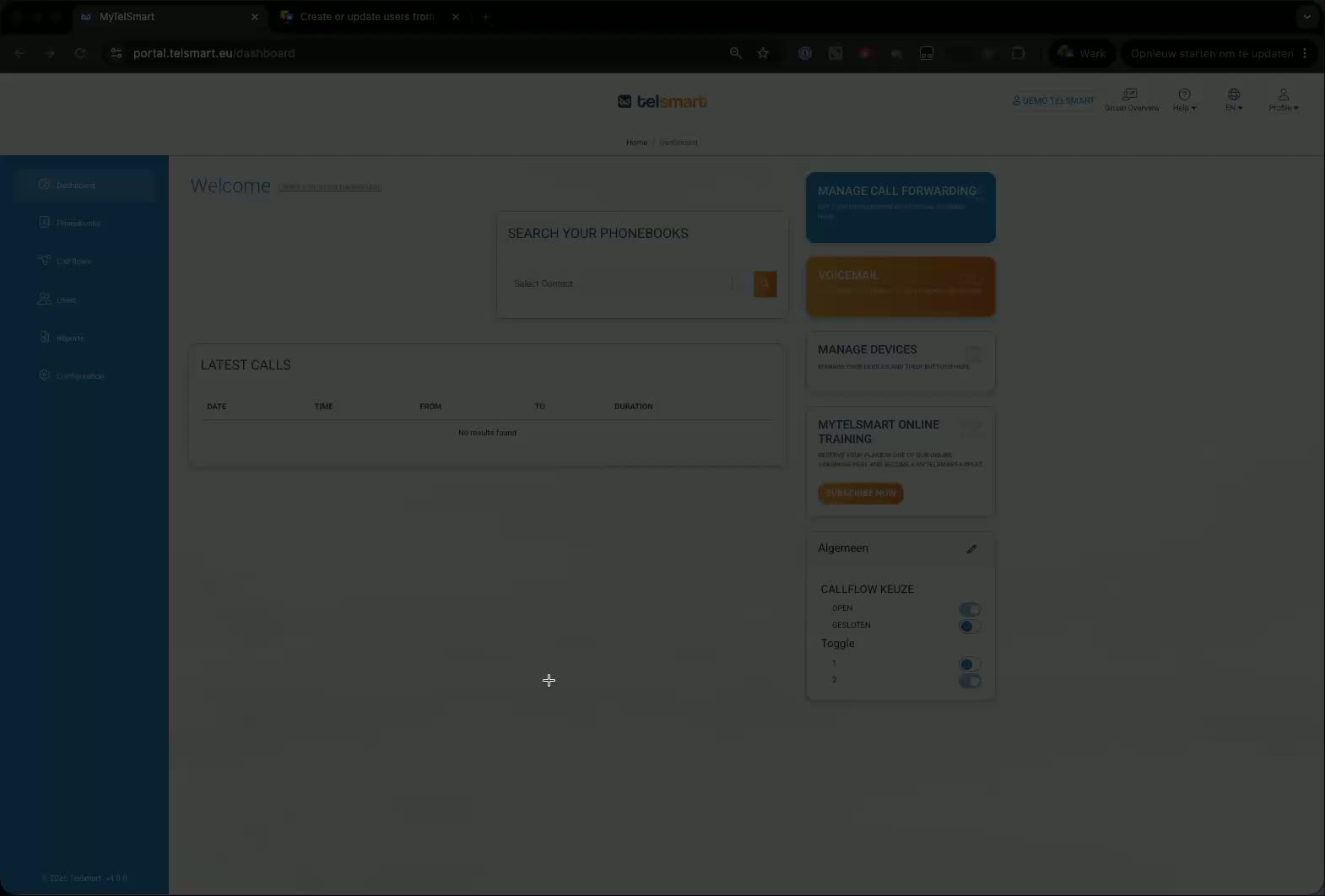
Find the user whose name needs to be updated.
Click the pencil/edit icon next to that user.
Replace the current name with the correct one.
3. Save the change 0:22
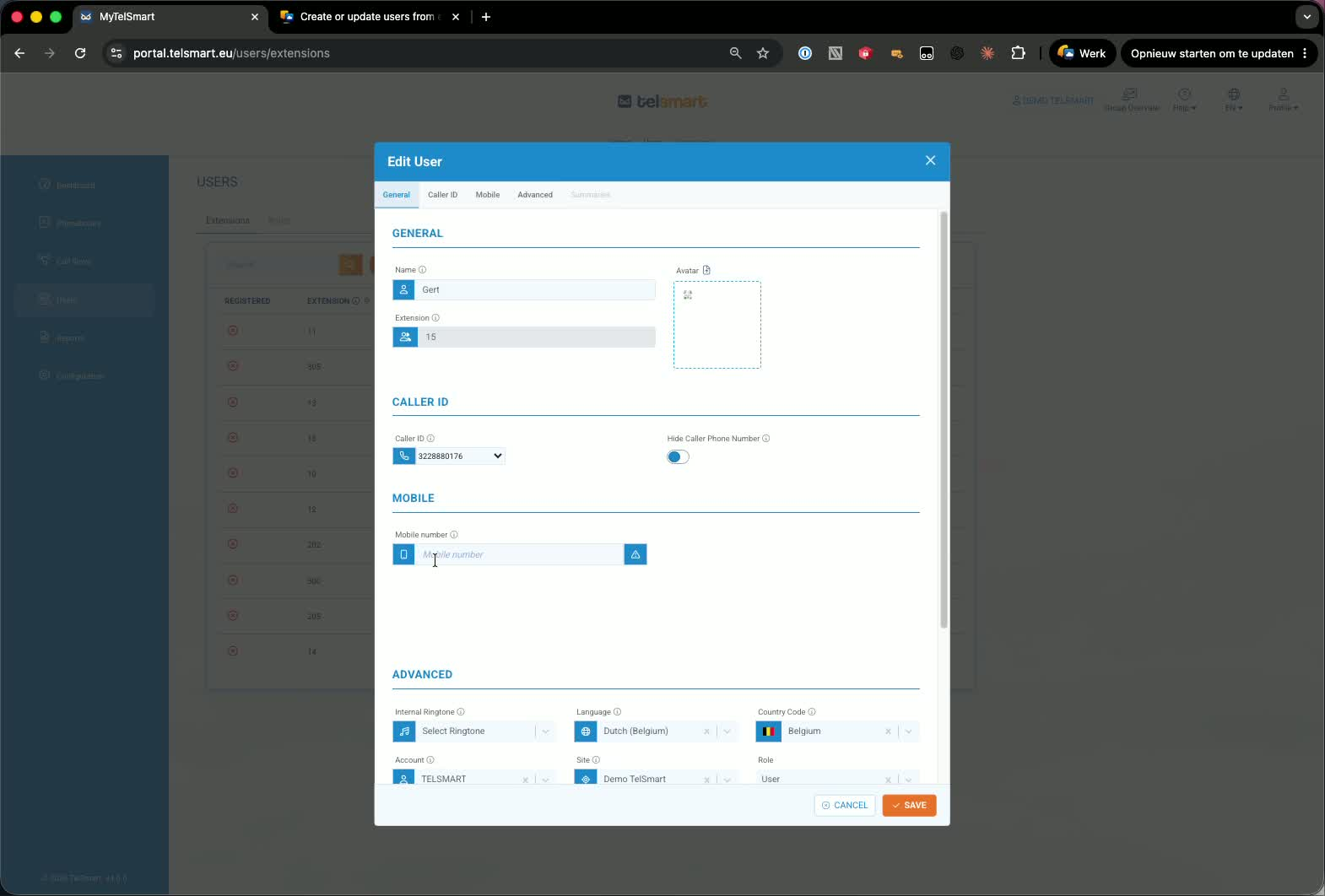
Click Save after entering the updated name.
The change will apply across the company.
The updated name will appear on every device in your company.
Link to Loom
Was this article helpful?
That’s Great!
Thank you for your feedback
Sorry! We couldn't be helpful
Thank you for your feedback
Feedback sent
We appreciate your effort and will try to fix the article